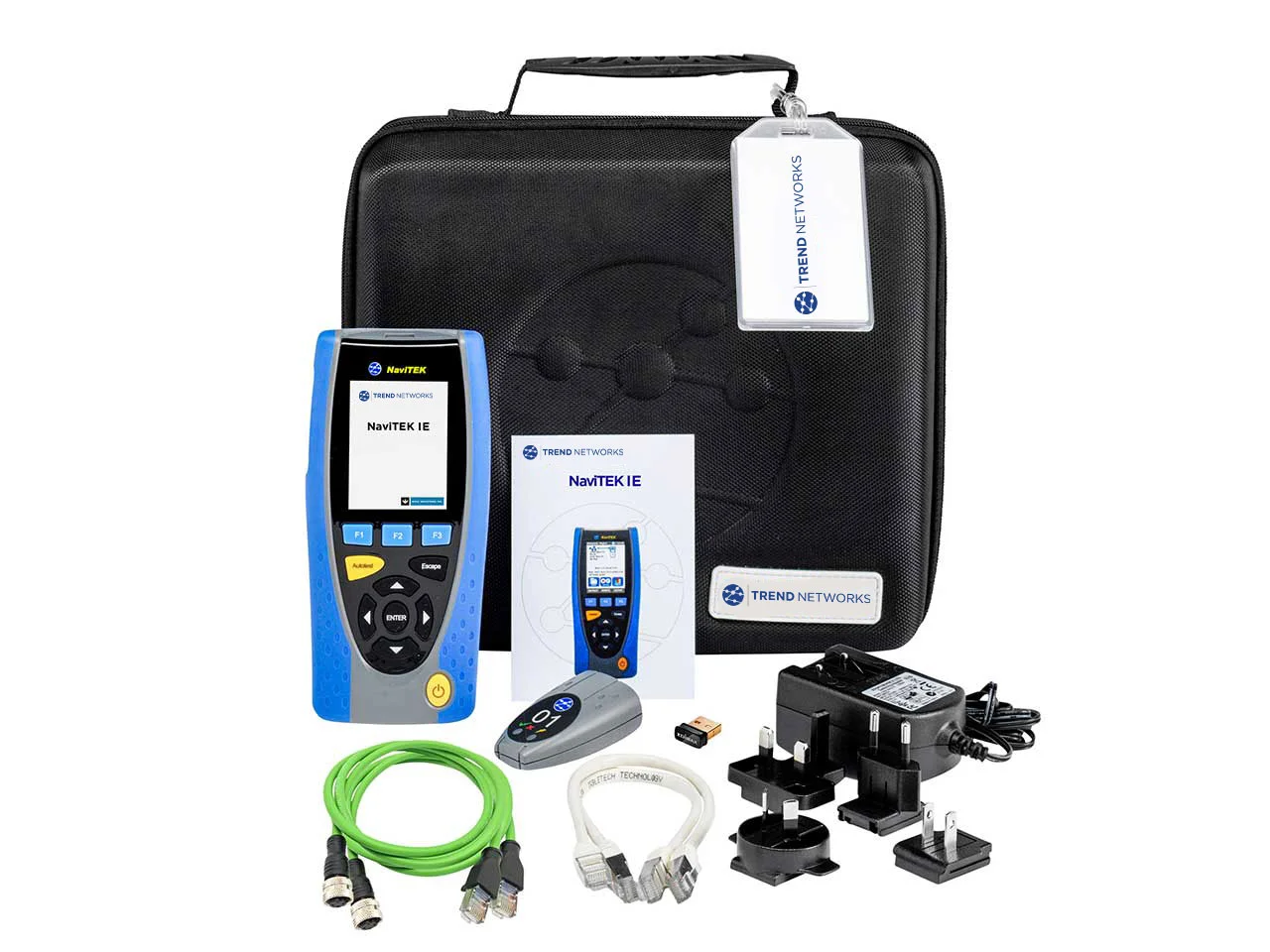
The Trend brand NaviTEK IE Industrial Network Tester is an advanced and portable tool specifically designed for the needs of industrial automation networks.
This device, supporting critical protocols such as PROFINET and EtherNet/IP, enables engineers and network technicians to accurately check the physical health of cables, switch configurations, and network equipment performance.
Focusing on industrial standards, this tester helps users quickly identify communication issues and minimize downtime in production systems.
Key Features of the Trend NaviTEK IE Industrial Network Tester
- Full support for industrial protocols PROFINET and EtherNet/IP
- Accurate testing and troubleshooting of industrial network cables
- Automatic fault detection and clear reporting
- Robust, portable design suitable for industrial environments
- Simple and user-friendly interface for quick operations
Technical Specifications
| Feature | Value |
|---|---|
| Supported Protocols | PROFINET, EtherNet/IP |
| Device Type | Industrial Network Tester |
| Main Application | Network troubleshooting and configuration |
| Design | Portable and durable |
| Display | Includes a display for status monitoring |
Frequently Asked Questions
Is this device suitable for non-industrial networks?
Although this device operates on Ethernet technology, its primary focus is on industrial protocols like PROFINET and it is optimized for specialized automation applications.
Can it test Cat6 and Cat7 cables?
Yes, this device is capable of performing physical and connectivity tests on various cables commonly used in industrial environments.
Does the Trend NaviTEK IE Industrial Network Tester require periodic calibration?
Yes, like all precise industrial equipment, it is recommended that this device be calibrated according to the manufacturer's instructions and at specified intervals.
Conclusion
The Trend NaviTEK IE Industrial Network Tester is an ideal choice for technical and engineering teams looking for an accurate, fast, and reliable tool to manage their industrial automation networks.
By utilizing this device, you can ensure that your network infrastructure is always operating at the highest level of performance and stability.